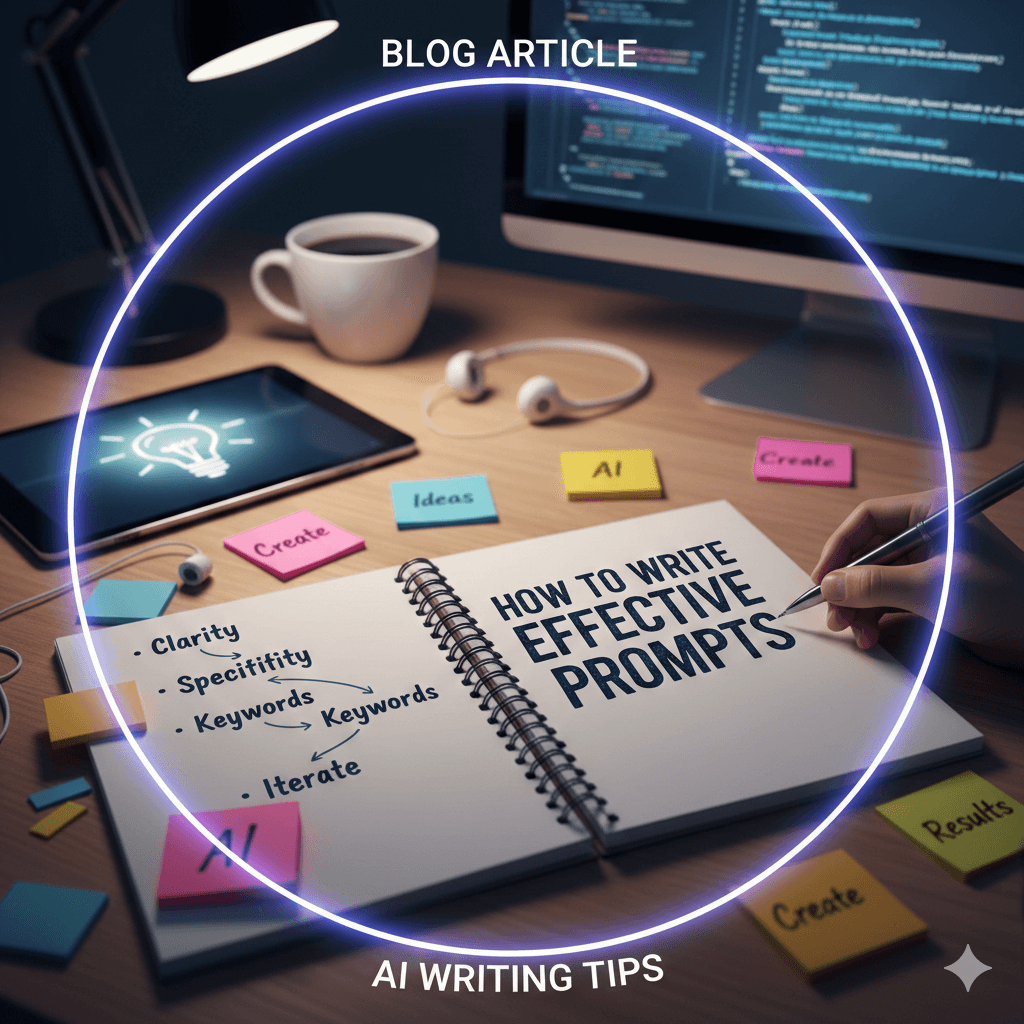
Content creation is exciting—but it can also feel overwhelming. Whether you’re a blogger, Instagram creator, YouTuber, podcaster, freelancer, or small business owner, the pressure to stay creative, consistent, and relevant is real.
That’s where AI tools come in.
AI doesn’t replace creativity. Instead, it helps content creators save time, reduce stress, and create better content without burnout. From idea generation and writing to design, video editing, and scheduling, AI tools act like a silent support system behind every successful creator.
In this guide, you’ll discover the essential AI tools every content creator should have, explained in a simple, beginner-friendly way.
Why Content Creators Need AI Tools
AI tools help creators:
- Save hours every week
- Beat creative blocks
- Stay consistent across platforms
- Improve content quality
- Work solo like a full team
- Reduce mental overload and burnout
If content creation is part of your brand or income, AI tools are no longer optional—they’re practical, smart, and extremely helpful.
1. ChatGPT – The All-in-One Content Assistant
If you use just one AI tool, make it ChatGPT.
What ChatGPT Helps With
- Content ideas
- Blog writing
- Captions and hooks
- Video scripts
- Hashtags
- SEO-friendly content
- Email writing
- Content planning
Best For
Bloggers, Instagram creators, YouTubers, freelancers, coaches, and small business owners.
ChatGPT adapts to your niche and tone, making it one of the most flexible AI tools available.
2. Canva AI – Easy Design for Non-Designers
You don’t need design skills anymore.
What Canva AI Can Do
- Social media posts
- Thumbnails
- Pinterest pins
- Reel covers
- Presentations
- Brand kits
- AI-powered layouts
Best For
Instagram, Pinterest, YouTube thumbnails, and personal branding.
Canva AI turns ideas into eye-catching visuals in minutes.
3. CapCut AI – Simple Video Editing
Video content is everywhere, and CapCut makes editing stress-free.
What CapCut AI Helps With
- Auto captions
- Text animations
- Transitions
- Short-form video editing
- AI templates
Best For
Instagram Reels, YouTube Shorts, TikTok, and beginner video creators.
Perfect for fast, professional-looking videos.
4. Notion AI – Content Planning & Organization
Great content needs structure.
What Notion AI Helps With
- Content calendars
- Idea storage
- Blog outlines
- Script management
- Workflow planning
Best For
Creators handling multiple platforms or clients.
Notion AI keeps your creative ideas organized and accessible.
5. Grammarly AI – Polished Writing
Even great ideas need clear, clean writing.
What Grammarly AI Does
- Fixes grammar and spelling
- Improves clarity
- Adjusts tone
- Enhances readability
Best For
Bloggers, writers, email marketers, freelancers.
It makes your content sound professional without extra effort.
6. Image AI Tools – Visual Creativity
Want visuals beyond stock photos?
What Image AI Tools Can Do
- Generate custom images
- Create illustrations
- Build mood boards
- Design aesthetic visuals
Best For
Bloggers, Pinterest creators, and brand designers.
Great for standing out visually.
7. Descript – Audio & Video Editing Made Easy
If you work with audio or talking-head videos, Descript is powerful.
What Descript Helps With
- Edit videos like text
- Remove filler words
- Improve audio quality
- Add subtitles
Best For
Podcasters, YouTubers, course creators.
Editing becomes faster and less technical.
8. Scheduling Tools with AI – Consistency Made Easy
Posting regularly matters—and AI helps maintain it.
What Scheduling AI Does
- Schedules posts
- Suggests posting times
- Helps with captions
- Tracks basic performance
Best For
Instagram, Facebook, LinkedIn, and multi-platform creators.
Plan once, post consistently.
9. Research AI Tools – Smarter Content Ideas
When you need topic clarity or quick research.
What Research AI Helps With
- Topic exploration
- Content research
- Trend understanding
- Idea validation
Best For
Educational content, blogs, and strategy planning.
Great for building accurate, helpful content.
10. AI Voice Tools – Audio Without Recording
If you don’t want to record your own voice.
What AI Voice Tools Can Do
- Voiceovers
- Reels narration
- Video explanations
- Audio content
Best For
Faceless creators, video editors, podcasters.
Saves time and effort while keeping content engaging.
A Simple AI Workflow for Content Creators
Here’s an easy workflow you can follow:
-
ChatGPT → ideas, scripts, captions
-
Canva AI → designs and thumbnails
-
CapCut AI → video editing
-
Grammarly AI → writing polish
-
Notion AI → planning and organization
-
Scheduling AI → consistent posting
This setup can easily save 10–15 hours every week.
How to Use AI Without Losing Your Creativity
AI works best when it supports you.
✔ Add personal stories
✔ Edit content in your own voice
✔ Use AI for structure, not emotions
✔ Stay authentic on camera
✔ Let AI handle repetitive tasks
Your creativity is still the most important part.
Common Mistakes to Avoid
❌ Copy-pasting without editing
❌ Using too many tools at once
❌ Sounding robotic
❌ Ignoring your audience
❌ Depending only on AI
AI is a helper, not a replacement.
Conclusion
AI tools have become an essential part of modern content creation. They help you create faster, stay consistent, and reduce burnout—without sacrificing quality or originality.
You don’t need every tool at once.
Start simple. Build gradually.
When used wisely, AI gives you more time for creativity, storytelling, and growth—the things that truly matter.
FAQs
1. Do content creators really need AI tools?
Yes. AI saves time, improves consistency, and reduces burnout.
2. Are AI tools expensive?
Many offer free or affordable plans suitable for beginners.
3. Will AI make my content generic?
Only if you don’t personalize it. Editing is key.
4. Which AI tool should beginners start with?
ChatGPT—it’s versatile and beginner-friendly.
5. Can AI replace creativity?
No. AI supports creativity, but ideas and emotions come from you.