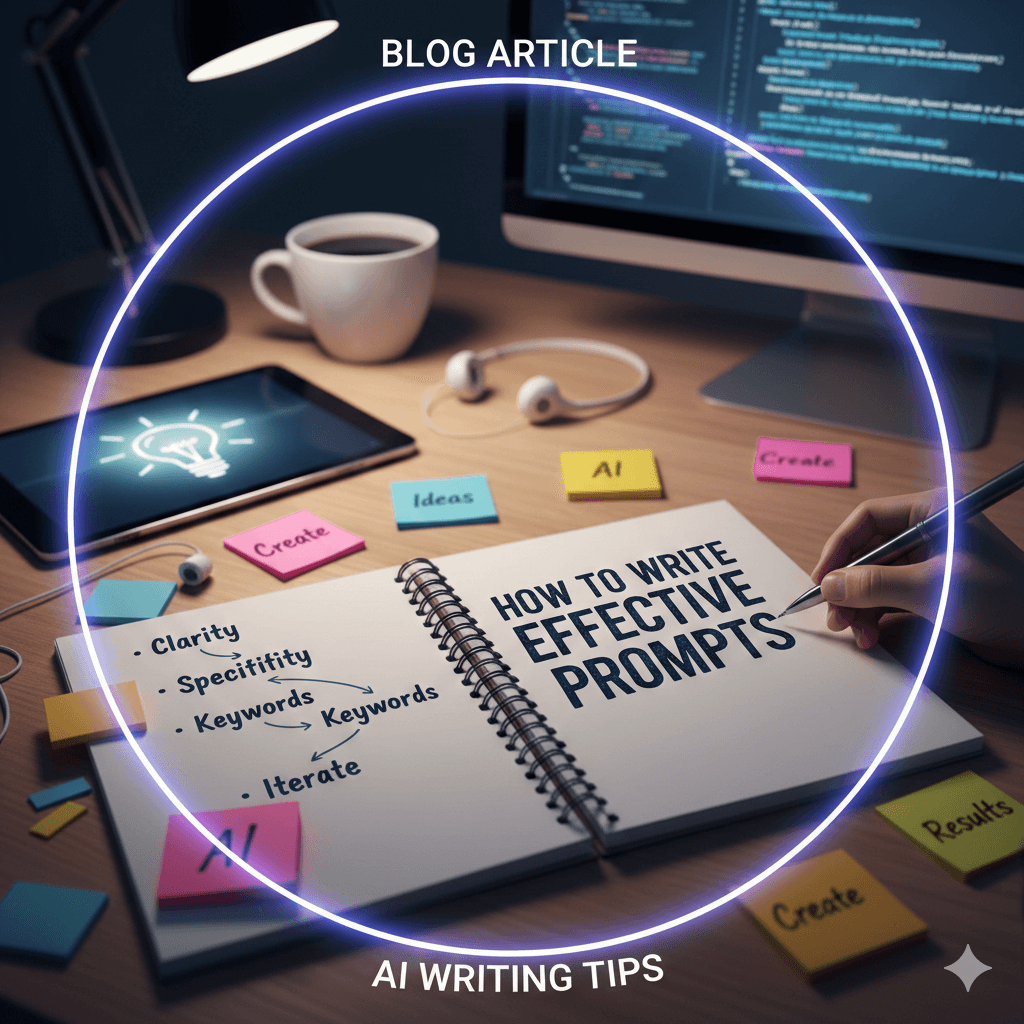
Growing a YouTube channel is no longer just about hitting “record.” You need strong ideas, scroll-stopping titles, clickable thumbnails, tight scripts, and clean editing — consistently. That’s a lot to manage, especially if you’re a solo creator.
This is where AI becomes your behind-the-scenes creator partner.
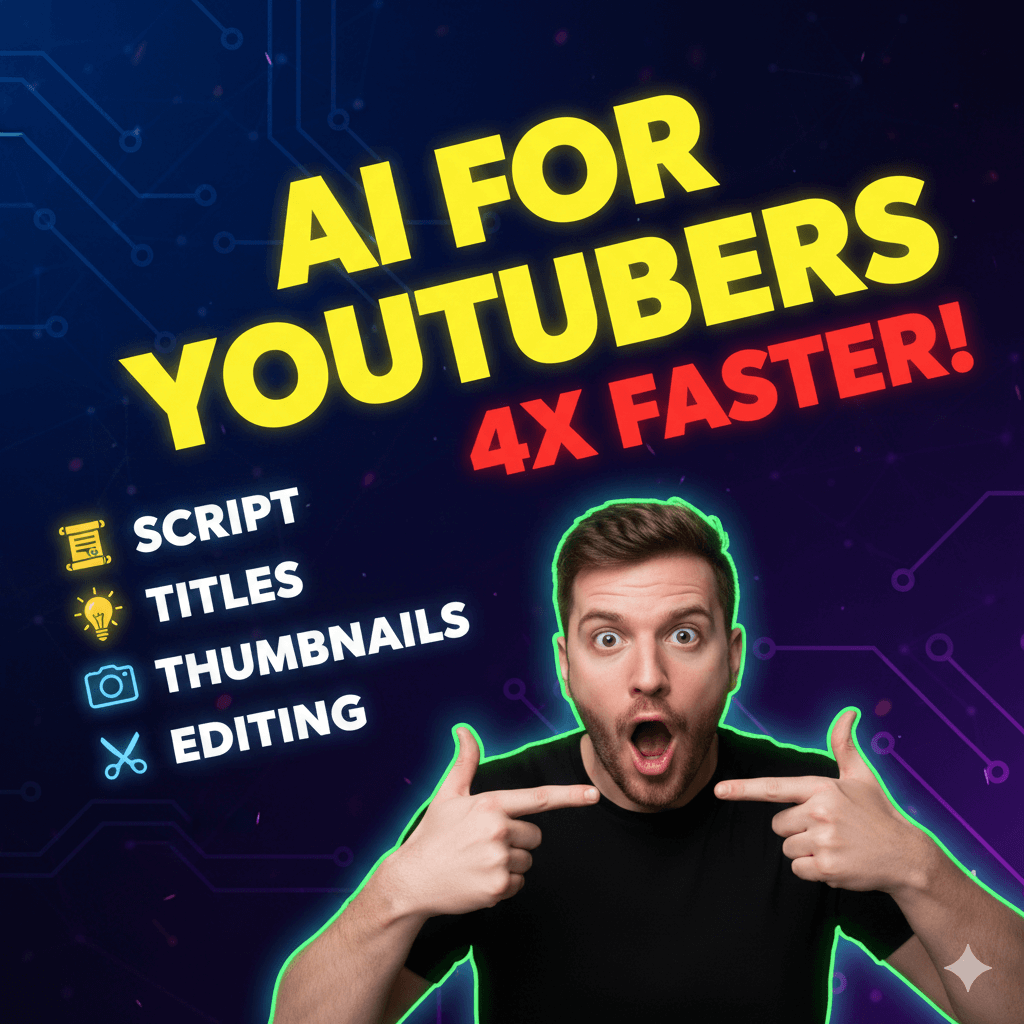
From video scripts and titles to thumbnail text and editing guidance, AI can speed up your workflow, improve quality, and help you stay consistent without burnout. In this creator-style guide, you’ll learn exactly how YouTubers use AI — plus ready-to-use prompts you can copy today.
Why YouTubers Are Using AI in 2025
AI helps creators focus on what actually matters: ideas + personality.
With AI, YouTubers can:
- Generate endless video ideas
- Write structured, engaging scripts
- Create high-CTR titles
- Plan thumbnail text & concepts
- Edit faster with clear guidance
- Stay consistent without creative fatigue
AI doesn’t replace you — it amplifies your creativity.
Best AI Tools for YouTubers
Before we jump into prompts, here’s the go-to stack many creators use:
- ChatGPT – scripts, titles, hooks, descriptions
- Canva AI – thumbnail text & layouts
- CapCut / Premiere AI – faster editing & captions
- TubeBuddy / VidIQ – SEO & performance insights
- Notion AI – content planning & calendars
ChatGPT + Canva + CapCut is a powerful starting combo.
How to Use AI for YouTube Scripts
Scripts don’t mean sounding robotic — they mean clarity and flow.
1. Generate Script Outlines
Use AI to structure your video before recording.
Prompt:
“Create a YouTube video script outline for a video on [topic]. Include hook, intro, main points, examples, and CTA.”
This helps you:
- Stay on topic
- Avoid rambling
- Keep viewers watching longer
2. Write Full Video Scripts
Perfect for explainer, educational, or faceless videos.
Prompt:
“Write a 6–8 minute YouTube video script on [topic] in a creator-style tone. Keep it engaging and conversational.”
Tip: Use AI for structure, then add your personality while recording.
3. Improve Hooks (First 5 Seconds)
Hooks decide retention.
Prompt:
“Give me 10 strong YouTube hooks for a video about [topic]. Make them curiosity-driven.”
Examples:
- “I wish someone told me this earlier…”
- “Most creators get this wrong…”
- “This changed my YouTube growth completely…”
How to Use AI for YouTube Titles
Titles = clicks. AI helps you test angles quickly.
4. Generate High-CTR Titles
Prompt:
“Suggest 10 clickable YouTube titles for a video about [topic]. Use curiosity and clarity.”
5. Rewrite Titles for Better Clicks
Prompt:
“Rewrite this YouTube title to improve click-through rate: [title].”
Ask for variations like:
- Emotional
- Curiosity-based
- How-to
- Comparison
- Short & punchy
How to Use AI for Thumbnails
AI won’t design the thumbnail for you — but it guides the concept.
6. Thumbnail Text Ideas
Prompt:
“Suggest 5 short, bold thumbnail text ideas for a YouTube video on [topic].”
Good thumbnail text is:
- 2–5 words
- Emotional or surprising
- Easy to read on mobile
7. Thumbnail Concept Planning
Prompt:
“Describe a YouTube thumbnail concept for a video about [topic]. Include facial expression, colors, and text style.”
Then build it in Canva.
How to Use AI for Editing & Post-Production
AI makes editing faster — not lazy.
8. Editing Guidance Prompt
Prompt:
“Give me editing suggestions to improve retention for a YouTube video on [topic].”
AI may suggest:
- Jump cuts
- Text overlays
- Pattern interrupts
- B-roll timing
- Music cues
9. Caption & Subtitle Help
Prompt:
“Create engaging on-screen caption ideas for a YouTube video about [topic].”
Use these in CapCut or Premiere.
AI Prompts YouTubers Can Copy & Use
🎬 Script Prompts
-
“Write a 60-second YouTube Shorts script on [topic].”
-
“Turn this blog into a YouTube video script: [paste content].”
-
“Rewrite this script to sound more natural and creator-style.”
🧠 Idea & Planning Prompts
-
“Give me 20 YouTube video ideas for a [niche] channel.”
-
“Suggest trending YouTube video ideas for 2025 in [niche].”
-
“Create a 30-day YouTube content plan for a small creator.”
🧲 Title & Thumbnail Prompts
-
“Generate 10 curiosity-driven YouTube titles for [topic].”
-
“Suggest thumbnail text that increases clicks for this title: [title].”
-
“Give me A/B title variations for this video.”
✂️ Editing & Optimization Prompts
-
“Suggest ways to improve retention in the first 30 seconds.”
-
“Create a YouTube video description optimized for SEO.”
-
“Generate relevant tags for a YouTube video on [topic].”
AI Workflow for YouTubers (Simple & Effective)
Step 1: Ask AI for video ideas
Step 2: Pick one idea
Step 3: Generate hook + script
Step 4: Create title options
Step 5: Plan thumbnail text
Step 6: Record with confidence
Step 7: Edit using AI suggestions
Step 8: Upload consistently
This workflow saves hours every week.
How to Use AI Without Losing Your Creator Voice
AI is powerful — but authenticity wins.
✔ Use AI for structure, not personality
✔ Speak naturally on camera
✔ Edit scripts to match your tone
✔ Add personal stories & opinions
✔ Don’t copy blindly — refine
Viewers connect with you, not the tool.
Common Mistakes to Avoid
❌ Reading scripts word-for-word
❌ Using clickbait titles with weak content
❌ Overloading thumbnails with text
❌ Ignoring hooks & retention
❌ Posting inconsistently
Use AI strategically, not blindly.
Conclusion
In 2025, successful YouTubers aren’t the ones working the hardest — they’re the ones working smartest. AI helps you plan faster, create better content, and stay consistent without burnout.
From scripts and titles to thumbnails and editing guidance, AI becomes your silent creator partner — helping you focus on what truly grows your channel: ideas, clarity, and connection.
Use AI. Stay creative. Show up consistently.
That’s how channels grow.
FAQs
1. Is it okay to use AI for YouTube scripts?
Yes — as long as you personalize and deliver it naturally.
2. Can AI help small YouTubers grow?
Absolutely. AI helps with ideas, structure, and consistency.
3. Which AI tool is best for YouTubers?
ChatGPT for planning, Canva for thumbnails, CapCut for editing.
4. Will AI hurt originality?
Not if you add your own voice and experiences.
5. Can AI help with YouTube SEO?
Yes — titles, descriptions, tags, and content structure.